
10 Best AI Tools for Beginners in 2026
Artificial intelligence is becoming part of everyday work, education, content creation, business, and personal productivity. The good news is that you don’t need to be a programmer or AI expert to start using it.
From writing emails and creating images to researching information, organizing tasks, designing presentations, and analyzing documents, today’s AI tools can help beginners accomplish more in less time.
In this guide, we explore 10 of the best AI tools for beginners in 2026, what each tool does, who it is suitable for, and how you can start using it.
What Are AI Tools?
AI tools are software applications that use artificial intelligence to perform tasks that traditionally require human intelligence. Depending on the tool, AI can understand text, generate content, analyze information, create images, summarize documents, write code, or assist with research.
For beginners, the most useful AI tools are generally those that are easy to use and don’t require technical knowledge.
1. ChatGPT
Best for: General-purpose AI assistance
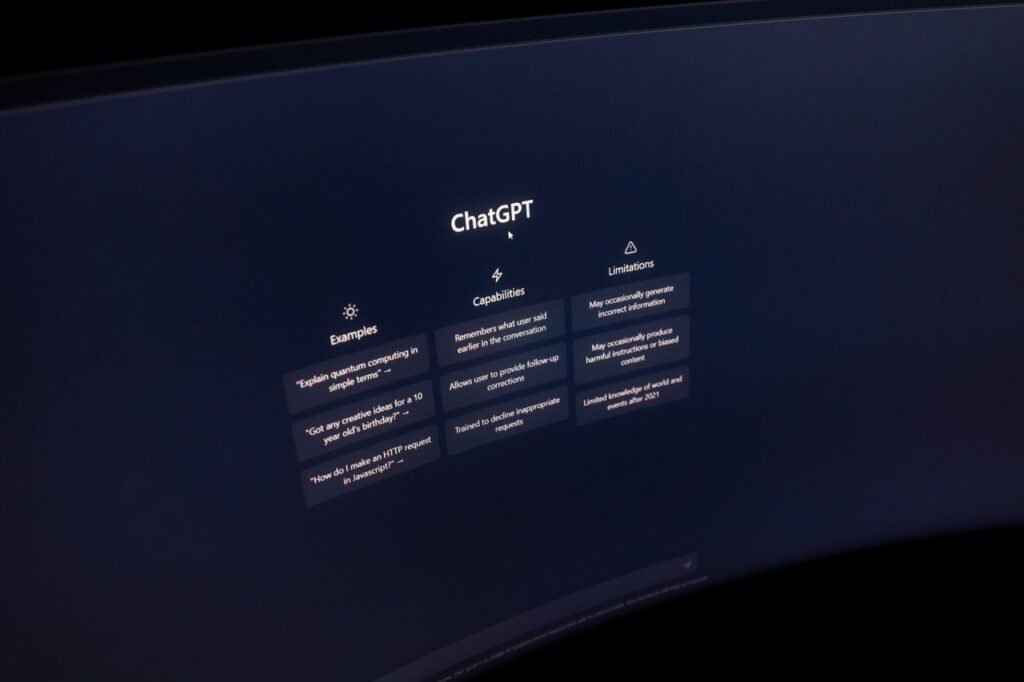
ChatGPT is one of the most versatile AI tools for beginners. It can help with writing, brainstorming, learning, summarizing, research, coding, planning, and everyday questions.
You can use it to:
- Write and improve emails
- Brainstorm content ideas
- Explain difficult topics
- Summarize documents
- Create social media content
- Generate outlines and reports
- Learn new skills
- Help with programming and spreadsheets
One of the easiest ways to start is to treat ChatGPT like a digital assistant. Instead of simply asking a broad question, explain what you are trying to accomplish and provide relevant context.
Example prompt:
“Explain digital marketing to me as a complete beginner and give me a 30-day learning plan.”
The more clearly you explain your goal, the more useful the response can become.
2. Google Gemini
Best for: AI assistance and working with Google’s ecosystem
Google Gemini is Google’s AI assistant and can be useful for beginners who already use services such as Google Search, Gmail, Google Docs, and other Google products.
Gemini can help with:
- Brainstorming
- Writing and rewriting
- Learning
- Summarizing information
- Creating ideas
- Analyzing content
- Planning projects
- Working with documents and other supported content
For people who already rely heavily on Google’s ecosystem, Gemini can be a convenient AI starting point.
3. Microsoft Copilot
Best for: Productivity and Microsoft users
Microsoft Copilot is designed to bring AI assistance into Microsoft’s ecosystem. It can help users generate content, summarize information, brainstorm ideas, and complete various productivity tasks.
Beginners can use it for:
- Writing emails
- Creating drafts
- Summarizing information
- Generating ideas
- Preparing presentations
- Working with Microsoft 365 workflows where available
If you already use Microsoft products for work or education, exploring Copilot can be a natural introduction to AI-powered productivity.
4. Canva AI
Best for: Beginners creating graphics and visual content
Canva is already popular for graphic design, and its AI-powered features make it easier for beginners to create visual content without advanced design skills.
You can use Canva’s AI features to assist with:
- Social media graphics
- Presentations
- Marketing materials
- Posters
- Images
- Written content
- Design ideas
For example, a small business owner can use AI-assisted design tools to develop social media graphics without hiring a professional designer for every simple visual.
Canva is particularly useful because the platform combines AI features with a familiar drag-and-drop design workflow.
5. Grammarly
Best for: Improving writing
Good communication is important in almost every profession. Grammarly uses AI-powered features to help users improve their writing.
Beginners can use it to check and improve:
- Grammar
- Spelling
- Clarity
- Tone
- Sentence structure
- Professional communication
It can be especially useful when writing emails, applications, articles, reports, and business communications.
AI writing assistance should not replace your own judgment. Always review suggested changes to make sure the final message accurately represents what you want to say.
6. Perplexity
Best for: AI-assisted research
Perplexity is an AI-powered search and research tool designed to provide answers with sources.
It can be useful when you want to explore a topic quickly rather than manually opening many search results.
Beginners can use it for:
- Initial research
- Topic exploration
- Comparing concepts
- Finding sources
- Creating research summaries
- Learning about unfamiliar subjects
However, AI research tools can still make mistakes. When information is important, check the original sources rather than relying entirely on an AI-generated answer.
7. Notion AI
Best for: Notes, organization, and productivity
Notion combines note-taking, project management, databases, and documentation. Its AI features can help users work with information stored in their workspace.
You can use Notion AI to help:
- Summarize notes
- Organize information
- Brainstorm ideas
- Improve written content
- Create outlines
- Extract useful information from notes
For students, freelancers, content creators, and teams, this can make it easier to turn scattered information into organized material.
8. Adobe Firefly
Best for: AI-assisted image creation
Adobe Firefly provides generative AI capabilities for creating and editing visual content.
Beginners can explore AI-assisted features for:
- Generating images
- Creating design concepts
- Editing images
- Generating visual effects
- Experimenting with creative ideas
It can be particularly helpful for designers, marketers, bloggers, and social media creators who need to develop visual concepts quickly.
As with any generative image tool, users should pay attention to licensing, usage rights, and the terms associated with the specific feature or plan they use.
9. Otter.ai
Best for: Transcription and meeting notes
Taking notes during meetings, interviews, classes, or discussions can be time-consuming. Otter.ai is designed to help with transcription and meeting-related workflows.
It can help users:
- Transcribe conversations
- Create meeting notes
- Identify key information
- Review discussions
- Save searchable records
For students and professionals who regularly attend meetings or interviews, AI transcription can reduce the amount of manual note-taking required.
Always make sure participants are aware of and consent to recording or transcription when required by applicable laws, policies, or organizational rules.
10. GitHub Copilot
Best for: Beginners learning programming
GitHub Copilot is an AI-powered coding assistant that can help developers write and understand code.
Even beginners can use it as a learning aid for:
- Understanding programming concepts
- Generating example code
- Explaining code
- Finding potential errors
- Creating functions
- Learning different programming languages
However, beginners should avoid blindly copying AI-generated code. Understanding what the code does is important for learning, security, debugging, and maintaining a project.
How to Choose the Right AI Tool
With so many AI applications available, beginners don’t need to start with ten different tools.
Instead, think about what you actually want to accomplish.
For writing and learning
Consider tools such as ChatGPT, Gemini, and Grammarly.
For research
Tools such as Perplexity can help you explore topics and find sources.
For graphic design
Canva AI and Adobe Firefly can help beginners experiment with visual creation.
For productivity
Notion AI and Microsoft productivity tools can assist with organization and everyday work.
For programming
GitHub Copilot can provide AI assistance while you learn to code.
Tips for Beginners Using AI
1. Start with one tool
You don’t need to learn every AI application at once. Pick one tool that solves a problem you currently have and learn how to use it effectively.
2. Give AI clear instructions
Instead of asking:
“Write something about marketing.”
Try:
“Write a 500-word beginner-friendly article explaining five digital marketing strategies for small businesses. Use simple English and include practical examples.”
Specific instructions usually produce more useful results.
3. Check important information
AI systems can produce incorrect or outdated information. For important decisions, verify facts using reliable and original sources.
4. Don’t share sensitive information
Avoid entering passwords, confidential business information, private documents, financial credentials, or other sensitive information into AI tools unless you understand the relevant privacy and data-handling arrangements.
5. Use AI as an assistant
The most effective approach is usually to use AI to support your work rather than completely replace your own judgment.
Use AI to generate ideas, organize information, explain concepts, and speed up repetitive tasks—but review the result before using it.
Are AI Tools Free?
Many AI tools offer free plans or limited free features, while advanced features may require a paid subscription.
The exact features, usage limits, pricing, and availability can change over time. Before subscribing, check the tool’s current official pricing and feature information.
For beginners, a free plan is often enough to learn the fundamentals and determine whether a particular tool is useful.
Frequently Asked Questions
What is the best AI tool for beginners?
There isn’t one tool that is best for every beginner. A general-purpose AI assistant such as ChatGPT or Gemini can be a useful starting point because it can support many different tasks.
Can beginners use AI without coding?
Yes. Many AI tools are designed specifically for users without programming experience. Writing, research, design, productivity, transcription, and image-generation tools can generally be explored without coding knowledge.
Can AI tools help students?
AI tools can help students with brainstorming, explanations, research, writing, organization, and study planning. Students should follow their school’s or institution’s rules regarding acceptable AI use and should not present AI-generated work as their own where that is prohibited.
Are AI-generated answers always accurate?
No. AI can produce incorrect, incomplete, or outdated information. Important facts should be verified against reliable sources.
Should I use multiple AI tools?
You can, but you don’t need to. Start with one tool, learn its capabilities, and add another when it provides a specific benefit that your current tool doesn’t.
Final Thoughts
AI tools are becoming increasingly accessible, and beginners no longer need advanced technical knowledge to start experimenting with artificial intelligence.
Whether you want to improve your writing, research a topic, create graphics, organize your work, take meeting notes, or learn programming, there is likely an AI tool that can help.
The key is to start small. Choose one tool, learn how to communicate your requirements clearly, check the information it produces, and gradually explore more advanced features.
AI is most useful when combined with human knowledge, creativity, critical thinking, and judgment. Instead of trying to learn every new AI tool, focus on finding the tools that genuinely make your work, learning, or daily tasks easier.